
Enable SSL
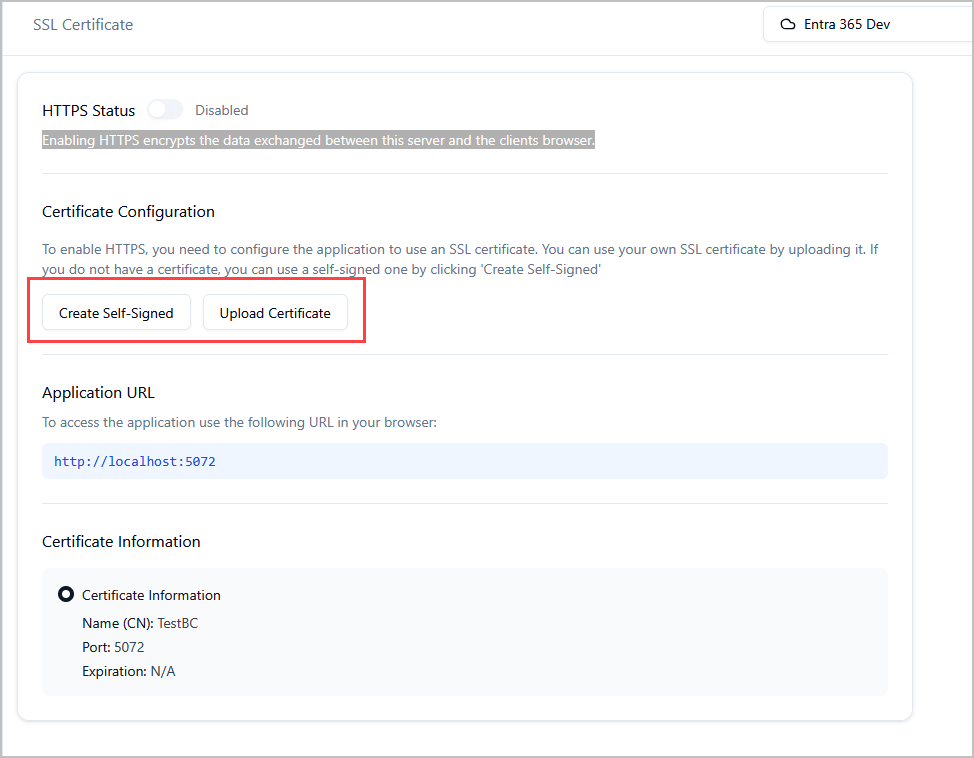
Step 1. Click on Settings > SSL Certificate.
Step 2. Click “Create Self Signed” or “Upload Certificate” if you have your own.
When the certificate install is complete make sure to access the app with https (https://localhost:5072) not http.