Install Entralyzer
Install Steps
Section titled “Install Steps”Entralyzer is available in the EXE format for Windows and can be installed on any Windows machine (client or server). It is recommended to install Entralyzer on a server that can be running 24/7 but it is not required.
Step 1. Double-click the Entralyzer.exe to start the install.
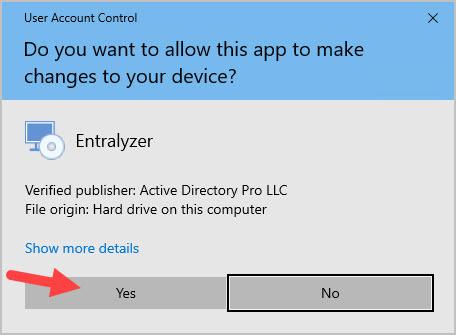
Step 2. If you get a popup that says “Do you want to allow this app to make changes to your device” click Yes. The application is digitally signed using our parent company (Active Directory Pro LLC) certificate.
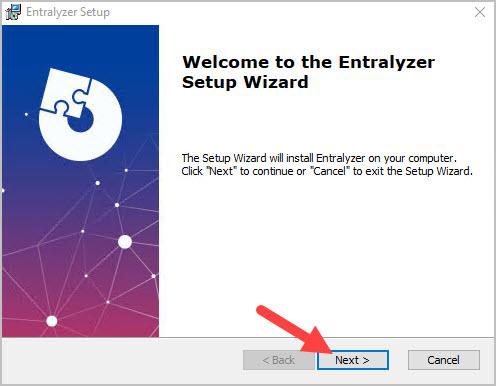
Step 3. Click “Next” on the Welcome screen.
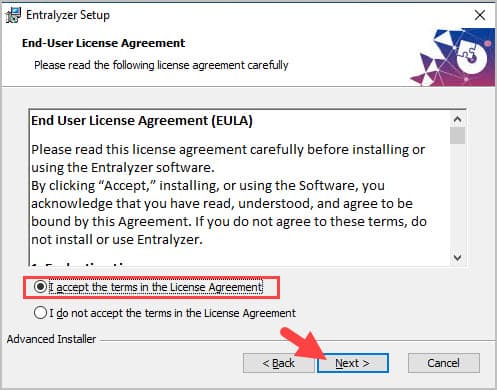
Step 3. Review and accept the end user license agreement then click “next”
Step 4. Click “Next” On the “Select Installation Folder screen. The default install folder is C:\Program Files\Entralyzer\Entralyzer.
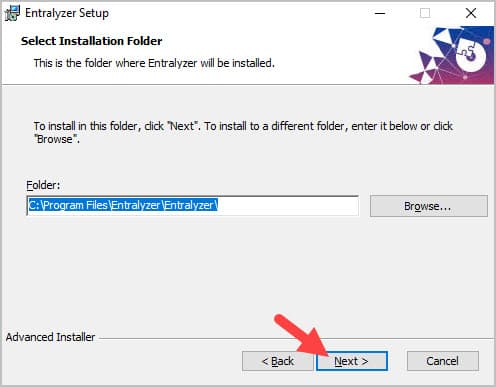
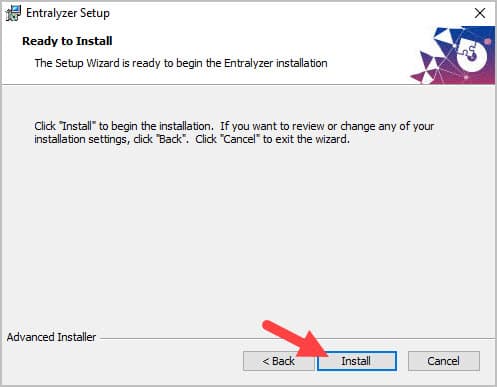
Step 5. Click “Install” on the ready to install screen.
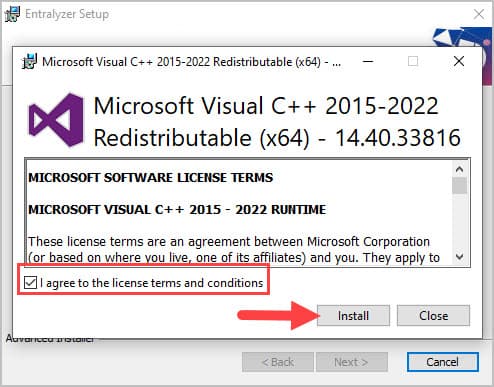
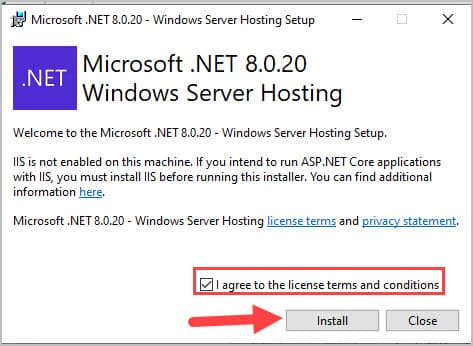
Step 6. If you are missing any of the prerequisites (Visual C++ Redistributale or .Net Windows Server Hosting) you will be prompted to install them.
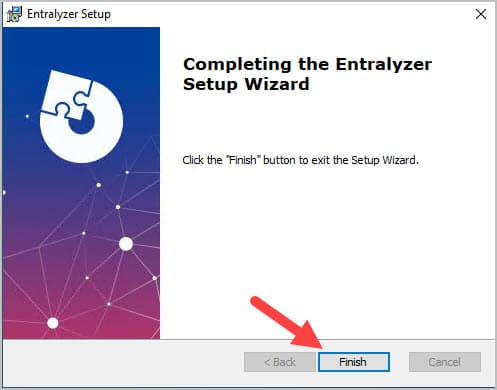
Step 7. Click “Finish”
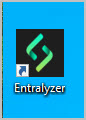
Step 8. Open the application by clicking the “Entralyzer” shortcut on your desktop.
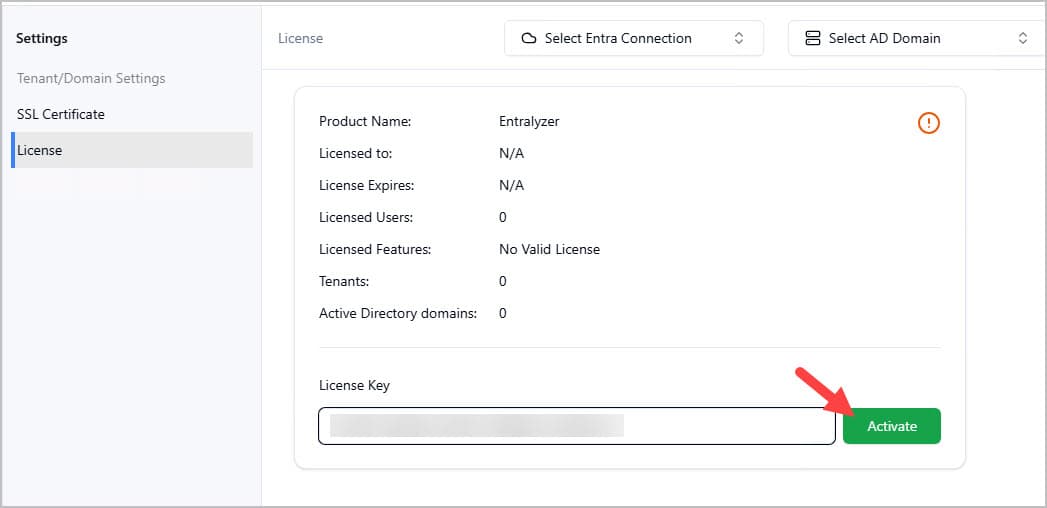
Step 9. Enter your license key and click “Activate”.